
Optical microscopes give you the most direct visual clarity and access to specialized contrast techniques like phase contrast and fluorescence. Digital microscopes win when your priority is documentation, multi-user viewing, or automated workflows. Your budget and how your team actually works together should drive the decision more than either technology’s specs on paper.
TL;DR:
Digital microscopes offer larger fields of view at the same magnification and excel in image documentation, saving, and remote sharing capabilities.
Optical microscopes provide superior high-magnification image sharpness, especially at the cellular detail level, with less latency during manual adjustments.
Cost advantages favor optical scopes for students and classrooms, while digital systems are better for high-volume, record-keeping, or remote analysis environments.
Operators skilled in optical use can extract more detail through contrast techniques, whereas digital cameras rely on image processing to improve quality.
The decision should depend on the primary application, budget, and IT capacity, with key questions about sample type, image needs, and user workflow guiding the choice.
Table of Contents
-
Digital vs Optical Microscope: How Optical Systems Form an Image
-
Digital vs Optical Microscope: How Digital Systems Capture and Share Images
-
Optical vs Digital Microscope: A Side-by-Side Look at What Matters
Digital vs Optical Microscope: How Optical Systems Form an Image
An optical microscope sends light through a specimen, then bends that light through an objective lens and an eyepiece so your eye sees a magnified image in real time. There’s no processing delay, no screen, no compression. What your eye receives is what’s actually happening on the slide, instantly.
That immediacy is why optical systems still dominate biological and materials work that depends on subtle contrast. Several established techniques bring out detail a plain light path would miss:
-
Brightfield — the standard setup for stained cells and general classroom use.
-
Phase contrast — reveals unstained, transparent structures like live cells without dyes.
-
Fluorescence — highlights specific molecules tagged with fluorescent markers, common in research labs.
-
Polarized light — exposes crystal structures and fiber orientation in materials science.
Image quality on an optical scope depends heavily on the operator. A skilled hand adjusting focus, condenser height, and illumination gets far more out of the same glass than a beginner working the same controls. Entry-level student models are generally affordable for basic use, while research-grade optics with specialized contrast options are pricier. Maintenance is mostly mechanical: keep the lenses clean, protect the objectives from dust, and a good compound microscope will outlast most digital hardware by decades.
Digital vs Optical Microscope: How Digital Systems Capture and Share Images
A digital microscope replaces the eyepiece with a camera sensor, projecting the image onto a monitor instead of directly into your eye. That single swap changes almost everything about how the instrument gets used, according to Lab Manager’s comparison of the two technologies.
-
Software-driven features like autofocus, focus stacking, and image stitching compensate for some of what a fixed optical path can’t do.
-
Multiple viewers can watch the same live feed, which turns a solo observation into a group lesson or a team review.
-
Ergonomics improve because you’re looking at a screen instead of hunching over an eyepiece for hours, and digital setups reduce eye strain while letting saved presets recall imaging parameters for repeatable results across different users.
-
Automated slide scanning and remote review support high volume work, though this comes with a real cost. Digital systems generally require more IT infrastructure, more storage, and a higher upfront investment than a comparable optical unit.
Expect file sizes to add up quickly if you’re capturing high-resolution stacks regularly. A lab that skips planning for storage and network bandwidth ahead of time runs into the most common operational headache in digital microscopy deployments.
Optical vs Digital Microscope: A Side-by-Side Look at What Matters
Here’s where the two technologies actually diverge once you get past the marketing copy.
1. Resolution and image quality. Glass optics on a well-made compound microscope still deliver the sharpest possible view of fine cellular detail, especially at high magnification. Digital sensors can close part of that gap through focus stacking and image stitching, but a sensor-limited camera has a hard ceiling that better glass simply doesn’t have. For routine slide work at moderate magnification, the difference is often invisible. At the extreme high end, optical glass usually still wins.
2. Magnification and field of view. This one surprises a lot of first-time buyers. Digital microscopes typically show a larger field of view at the same nominal magnification because monitor aspect ratios display more of the sample area than a round eyepiece field does. When you compare magnification numbers between the two types, you’re not always comparing the same thing.
3. Image capture and documentation. If your workflow requires saved images, timestamped records, or integration with a laboratory information management system, digital wins outright. Optical setups need an add-on camera or smartphone adapter to capture anything at all.
4. Ergonomics and real-time control. Optical feedback is instant. Digital systems can introduce a small lag during fast focusing or specimen movement, and that latency can disorient tasks requiring precise manual manipulation, like adjusting a live culture or nudging a small part under inspection.
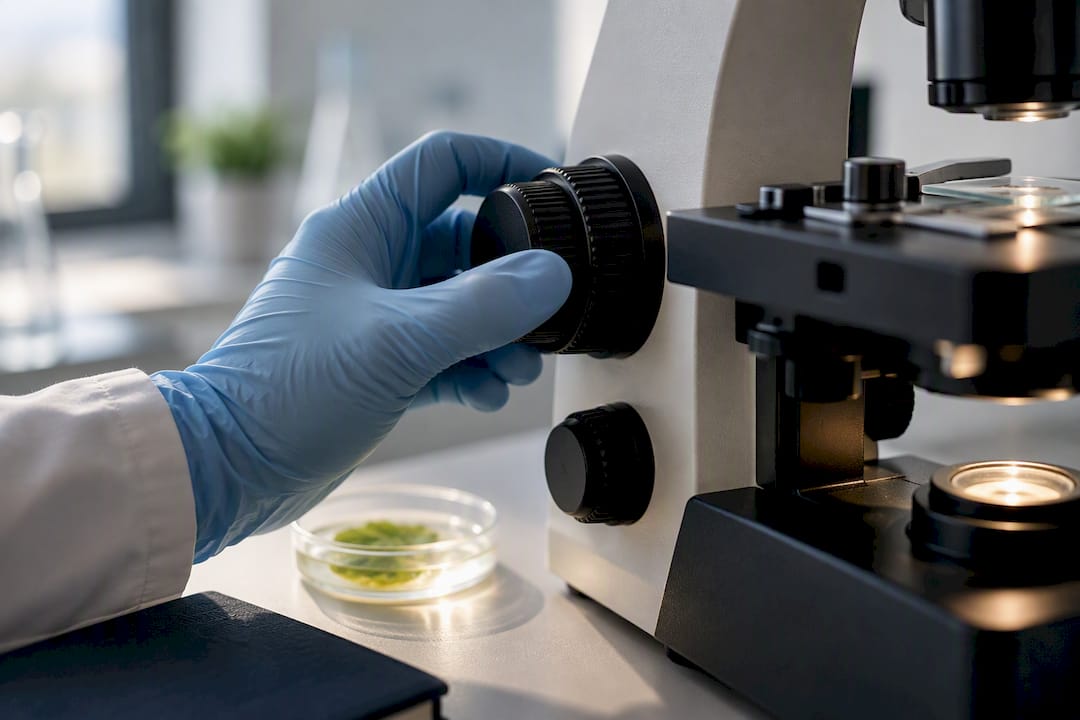
5. Cost and scalability. Optical scopes scale down well for classrooms on a budget. Digital scopes scale up well for labs that need to process volume, generate traceable records, or run remote consultations. The added value of digital systems shows up in time saved and faster consultations, which can justify the higher sticker price for the right operation.
Pro Tip: If you’re torn between the two, ask what you’ll actually be doing at 8am on a Tuesday. Grading slides solo favors optical. Reviewing images with three colleagues favors digital.
Quick reference by user type:
-
Student: optical, unless the course explicitly requires shared screen viewing.
-
Hobbyist: either works; digital adds the fun of easy photo capture.
-
Clinical lab: digital for volume and record keeping, optical stereomicroscopes for fine manual work.
-
Industrial inspection (PCBs, small parts): reduced depth cues and latency on digital systems often make optical stereomicroscopes the safer pick for soldering and assembly checks.
Choosing a Microscope Type: A Decision Checklist
Work through these questions before you open your wallet.
-
What are you looking at? Live cells, stained slides, crystals, or solid parts each favor different contrast methods and magnification ranges.
-
Do you need saved images or shared viewing? If yes, digital or an optical scope with a camera adapter becomes mandatory.
-
What’s your budget ceiling? Optical scales lower; digital scales higher once you add storage and software.
-
Is your IT setup ready? Digital microscopy needs a plan for file storage and backup, not just a camera.
-
Who’s using it, and how often? One trained user favors optical skill-building; a rotating team favors digital’s repeatable presets.
Recommendations by persona:
-
Student: start with a solid optical compound microscope to build core focusing and slide-prep skills.
-
Educator or classroom: optical units with binocular viewing keep costs manageable across multiple stations.
-
Hobbyist: a mid-range optical scope with an optional smartphone adapter covers most curiosity-driven exploration.
-
Clinical or research lab: digital, budgeted with storage and network capacity from day one.
-
Materials or PCB inspector: optical stereomicroscope for hands-on manipulation tasks.
-
QA lab with high sample volume: digital, prioritizing camera resolution and automated stage control.
When you talk to a vendor, ask about sensor size and resolution, supported contrast modes, warranty length, and what sample staging accessories come standard. Those four answers tell you more than any spec sheet headline.
Why Wevision Backs Buyers With More Than Just Glass
Choosing between these two approaches gets easier when the manufacturer actually shows you how to use what you bought. Some manufacturers build premium compound microscopes with glass optics and advanced illumination, often backing models with setup videos and responsive email support. That combination matters most for first-time buyers: saved presets and guided setup reduce the learning curve that trips up so many new microscope owners in their first week.
Find the Right Wevision Microscope for Your Work
Wevision’s premium microscopes are built for educators, students, and lab professionals who want optical clarity without guessing through setup alone. Every model page includes demo videos that walk through calibration, slide staging, and lens care, so you’re not left decoding a manual on your first try.
Browsing the compound microscopes lineup shows spec highlights side by side, from entry-level binocular models to higher-magnification options built for closer lab work. If you want binocular viewing at higher magnification ranges, the Wevision M1 covers 40x to 2500x. For a more compact, classroom-friendly option, the Wevision M2 runs 40x to 2000x in a monocular build. Visit the microscopes category to compare models and watch the setup demos before you decide.
Sources
The technical claims in this guide draw from three sources: Lab Manager’s direct comparison of digital and optical microscopy, a peer-reviewed PMC review of digital microscopy adoption during the Covid-19 pandemic, and TAGARNO’s field notes on field-of-view and magnification differences. Each addresses a different piece of the picture, from clinical adoption to display optics.
FAQ
What Are the Disadvantages of Using a Digital Microscope?
Digital microscopes require more upfront investment, more storage for image files, and stronger IT infrastructure than optical systems. They can also introduce latency during focusing or specimen movement, which makes fast manual manipulation tasks harder than with direct optical viewing.
Can You See Bacteria With a Digital Microscope?
Yes, provided the digital microscope has sufficient magnification and a camera sensor capable of resolving structures at that scale. Most bacteria require at least 1000x/17%3A_Smear_Prep_and_Simple_Stains/17.02%3A_Introduction) magnification with oil immersion, a spec found on higher-end digital and optical compound microscopes alike, not on basic handheld digital models.
What Is the Best Microscope for Beginners?
A binocular optical compound microscope is generally the best starting point because it builds core focusing and slide-preparation skills without the added cost of a camera and monitor setup. The Wevision M2 monocular model, covering 40x to 2000x, suits classroom or home learners who want a manageable entry point with guided setup videos.
Are Digital Microscopes Any Good?
Digital microscopes are genuinely valuable for documentation, remote collaboration, and high-volume inspection work, and studies show similar diagnostic outcomes to conventional light microscopy when the IT infrastructure is properly planned. They’re not automatically better than optical scopes. The right choice depends on whether your priority is shared viewing and automation or direct, lag-free visual precision.